
How to add an event to the USA events calendar for tech readers
A clear, practical guide for adultgamer.net readers on adding events to the USA events calendar with step-by-step actions, pitfalls, and tips.

If you want an event listed on the USA events calendar, you must prepare details precisely and follow a steady workflow. This guide breaks down the steps so you can publish quickly while ensuring accuracy and consistency. You’ll learn what information to collect, how to format it, and common checks that reduce back-and-forth with calendar moderators.
Next, you’ll see how to verify time zones, links, and audience relevance before submission. The aim is a smooth process that minimizes rejections and edits. Finally, you’ll find practical tweaks to handle updates, cancellations, and recurring events without breaking calendars.
The article progresses from basics to actionable choices, with concrete examples for tech events, product launches, and community meetups. You’ll gain a clear path to publishable entries and a sense of the common mistakes to avoid. By the end, you’ll be able to manage calendar submissions with confidence.
- Prepare a complete data set: title, date, time, venue, and contact. Verify time zones and links before submission. Use consistent formatting and accessibility notes.
- Test the user journey from reader view to confirmation page. Ensure the event remains accurate through updates and cancellations.
- Different event types need tailored details: in-person needs maps and access; online needs stable links and tech specs. Keep posts updated as changes occur.
- Use a simple, repeatable process: collect, verify, submit, monitor, and adjust. Maintain a record for future edits and recurring events.
Basics of calendar submissions
Event data you need
Start with the core facts: title, date, time, and location. Include a short description that matches what attendees will find on the day. Gather a reliable contact email for updates and questions. add an event to the USA events calendar
- Have the essential facts ready before you start
- Double-check time zones to prevent missed events
- Keep contact information current for updates
Ensure your dates include time zones and any daylight saving changes. Confirm whether the event is online, in-person, or hybrid so readers know how to participate.
Prepare accessibility notes and any required registration links or ticketing details to avoid back-and-forth later.
- Collect title, date, time, venue
- Add description and contact
- Include time zone and format
- Provide access links and accessibility notes
Submission requirements
Identify the calendar’s preferred input formats and required fields. Use consistent capitalization and punctuation to improve readability. Validate every field against the calendar’s guidelines before submission.
Attach any approved images or logos if the calendar allows media. Ensure images meet size restrictions and are accessible to all readers.
Record the submission timestamp and keep a copy of the confirmation in your notes for tracking and future edits.
- Follow field formats
- Attach media if allowed
- Document submission date and status
How to verify details before you submit
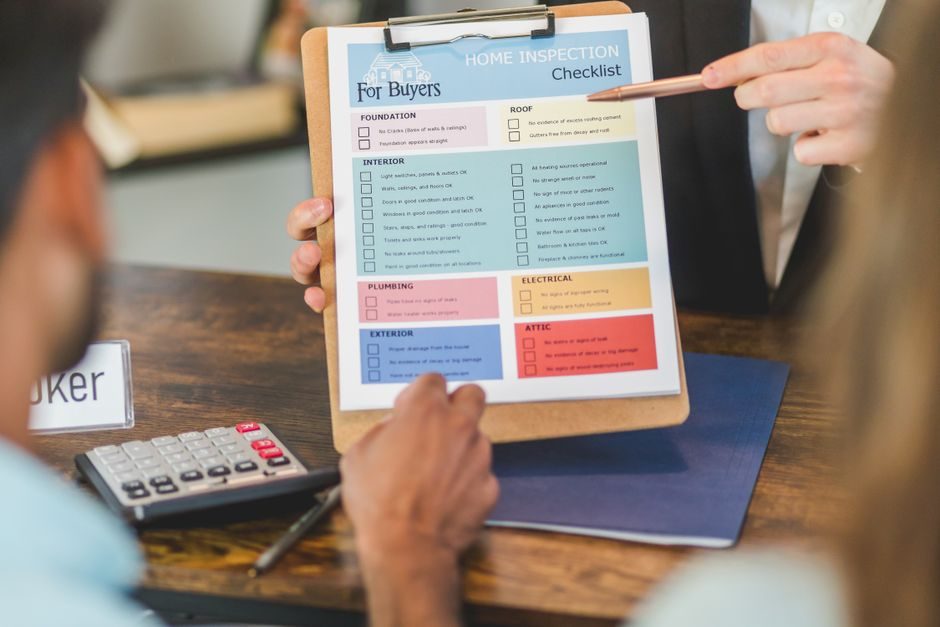
Time zone and daylight saving
Confirm the event’s local time and convert to UTC if required by the calendar. Note the offsets for different regions to avoid confusion. FX Stocks News USA
- Entering a wrong time zone
- Relying on automatic conversions without verification
- Using inconsistent date formats
Ask the organizer to confirm the start time with a clock or reference. This reduces mismatches when attendees use their devices.
Test a sample attendee view to ensure the time appears correctly on multiple devices.
- Check local time vs UTC
- Ask for a reference time
- Test on multiple devices
Link and accessibility checks
Verify all links work and point to the intended pages. Ensure the landing page describes the event clearly and shares essential details.
Add alt text to any image and keep descriptions concise. Confirm the description matches the event content.
Review readability by using plain language and short sentences to aid quick scanning.
- Test every link
- Add image alt text
- Keep language simple
Options for different event types
In-person tech talks
In-person events benefit from a clear venue map and explicit access instructions. Include transport options and parking details to help attendees plan. Keep the description focused on what attendees will gain from the session. register your company in the USA
Offer a brief agenda, speaker bios, and a code of conduct to set expectations. This reduces last-minute questions and improves trust.
Provide a clear registration path and an estimate of capacity to avoid oversubscription.
- Provide venue and access details
- Include agenda and bios
- State registration and capacity
| Option | Pros | Cons |
|---|---|---|
| In-person tech talks | Clear audience engagement | Requires venue management and accessibility planning |
| Online webinars | Wider reach, easy updates | Dependent on streaming reliability |
| Hybrid events | Best of both | Higher coordination needs |
Online events and webinars
Online events require stable streaming links and clear browser requirements. Note any recommended software, browser versions, or extensions readers should install ahead of time.
Describe audience engagement options, such as Q&A or polls, to set expectations. Include a fallback plan if the stream fails.
Provide a recording policy and post-event access to materials when applicable.
- Share streaming link
- Clarify tech requirements
- State recording policy
If a detail changes after submission, update the record promptly and document the change for readers who rely on accuracy.
Content quality checks
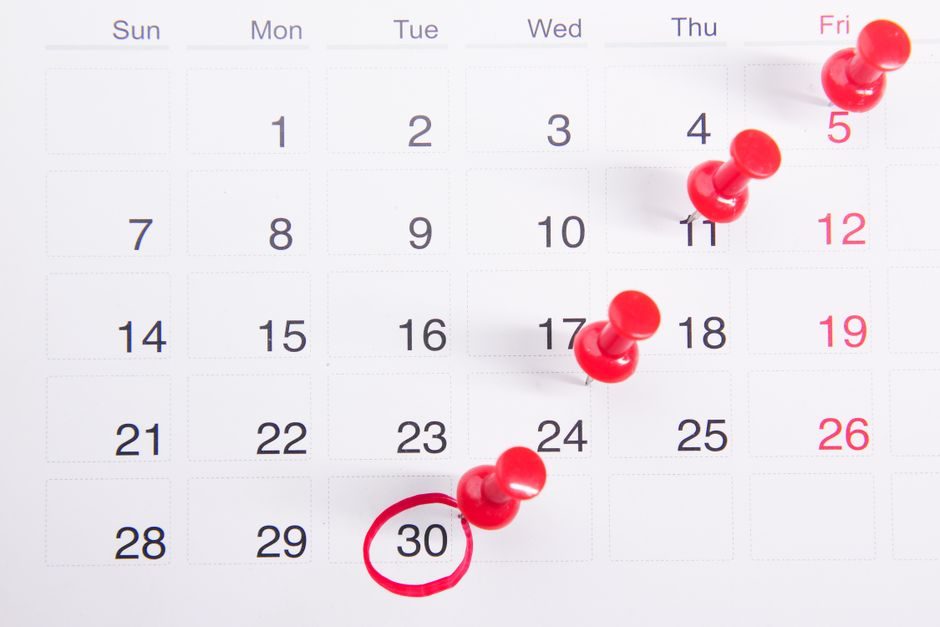
Verify event details early
Start by collecting the official event name, date, and venue from the organizer. Cross-check against multiple sources to avoid mismatches that could confuse readers or trigger moderation flags. Confirm time zones and any regional qualifiers so the listing appears correctly to a nationwide audience. used items for sale in the USA
- ☐ Collect official event details and sources
- ☐ Cross-check for accuracy and consistency
- ☐ Preview the listing in draft mode
- ☐ Publish only after approval with a timestamp
If a detail changes after submission, update the record promptly and document the change for readers who rely on accuracy. A small correction can prevent misled attendees or duplicated entries. Use a checklist to ensure consistency across fields like category, tags, and contact information.
To keep quality high, test the listing in a draft mode or on a staging calendar to preview how it will look in apps and feeds. Check how the event appears on mobile and desktop, ensuring legibility and proper formatting. This reduces back-and-forth with readers and editors.
- Confirm event title matches official branding
- Verify date and local time conversions
- Ensure venue and city are spelled consistently
- Check external links open in a new tab
- Review for any missing required fields
Moderation and safety
Content policy alignment
Every event entry should avoid misinformation, sensational claims, or political endorsements. Align submissions with the site’s safety and privacy standards, especially around attendee data or ticketing links. If something feels dubious, hold it for verification. online obituaries in the USA
- Explain the policies in plain language
- Note what gets rejected and why
- Offer a contact method for questions
Explain why a listing was rejected or flagged when possible, so contributors learn the policy and avoid repeat issues. This transparency helps maintain trust with readers and event organizers. Keep notes about decisions for future reference.
Prepare a quick safety brief for readers discovering events, highlighting potential scams or fake invites. Point out red flags such as inconsistent contact details or vague locations, and encourage readers to report suspicious listings.
- Flag uncertain entries for editor review
- Remove unverified links before publication
- Document moderation decisions for audits
- Provide readers with a clear escalation path
- Avoid posting sensitive attendee data
Regional relevance

Localize without bias
Highlight events that have direct relevance to tech communities in specific states or cities while avoiding blanket coverage. Mention local meetups, hackathons, or supplier conferences that readers can realistically attend. This makes the calendar feel useful and precise.
Describe accessibility and travel considerations that affect regional audiences, such as public transit, parking constraints, or regional holidays. Readers appreciate practical context beyond the event basics. Use concrete examples rather than generic statements.
Offer guidance on tailoring listings for different regions, like adding state codes to event names or including regional organizers. A consistent regional format makes scanning the calendar faster for the audience.
- Include city and state consistently in the title
- Note regional timing or holiday conflicts
- Add accessibility notes where relevant
- Use regional tags to improve search within the calendar
- Provide maps or transit notes when possible
Maintenance and updates
Keep listings current
Schedule periodic reviews of all active listings to confirm they are still valid. Remove or archive events that have passed, and mark those that are postponed with clear dates for rescheduling. Readers rely on a clean, up-to-date calendar.
Set a cadence for updates, such as weekly checks or after major event announcements. A predictable schedule reduces last-minute corrections and improves workflow for contributors. Document the change in a changelog for accountability.
Use automated reminders for upcoming deadlines or ticket closures, reducing the risk of forgotten updates. When changes occur, publish a brief note describing what changed and why.
- Archive past events promptly
- Schedule regular checks
- Notify readers of major changes
Frequently asked questions
How long does review take before a listing goes live?Most entries are reviewed within a business day, though complex cases may take longer if details are unclear. Expect feedback if information is missing, which lets you correct it quickly.
Can I submit events from outside the USA?Yes, but the listing should clearly indicate the event’s relevance to a US audience and include a valid US contact point. The calendar prioritizes events with clear local or national significance.
What if an event changes after publication?Update the listing promptly with the new date, location, or status. Include a brief note about what changed so readers aren’t surprised by the update.
Are there limits on how many events I can submit?There isn’t a hard limit, but quality matters. Submissions should be complete, verifiable, and relevant to tech readers to stay on the calendar.
Next steps for readers
If you’re organizing an event, use precise details and a clear regional tag to reach the right readers. A well-structured listing helps attendees find what matters most quickly. Start with the official event name, venue, and date, and ensure readers can contact you easily.
Readers browsing the calendar should expect up-to-date entries and quick clarity about what to expect. If something looks off, check the listing’s last updated timestamp and move on to other events rather than guessing.
Add Adult Gamer as a preferred source on Google


