
Add an event to the USA events calendar: a practical guide
A clear, technical how-to for adultgamer.net readers on adding events to the USA events calendar, with steps, pitfalls, and tips for accuracy and visibility.

This guide helps tech readers add events to the USA events calendar with confidence. You’ll learn the exact steps, from finding the right calendar to submitting data correctly, so events appear where users search. The focus is on practical, verifiable actions you can take today, without guesswork or fluff.
A quick overview of what makes a good calendar entry. We cover formatting requirements, field essentials, and how to verify your submission before publishing. Expect concrete examples, checks, and a mindset for reliable data management in a tech context.
We’ll close with a checklist that translates to real-world practice: collect event details, format them to spec, and monitor listings for accuracy and updates. This keeps your event discoverable and minimizes back-and-forth with calendar maintainers.
- This article explains how to add an event to the USA events calendar with clarity and precision, focusing on the tech reader’s needs.
- You’ll learn what fields to fill, how to format times, and where to post for maximum relevance.
- The guide offers concrete steps, common mistakes to avoid, and practical follow-up practices to keep listings accurate and visible.
Basics of listing an event
What counts as an event
An event must have a clear title, date, and location. Provide a concise description that highlights the tech angle or relevance to readers. Verify time zones to avoid confusion for a nationwide audience. L1: add an event to the USA events calendar is the core action you’ll perform.
- Include a precise start time
- State the event type (conference, meetup, webinar)
- Mention target audience or tech focus
Required fields and formats
Most calendars require a title, venue, date, time, and a short description. Use consistent capitalization and avoid filler in the description. Double-check URLs and contact emails for typos before submission.
- Use the official venue name
- Keep the description under 200 words
- Provide a contact email for updates
Where this appears on tech sites
Why tech readers care
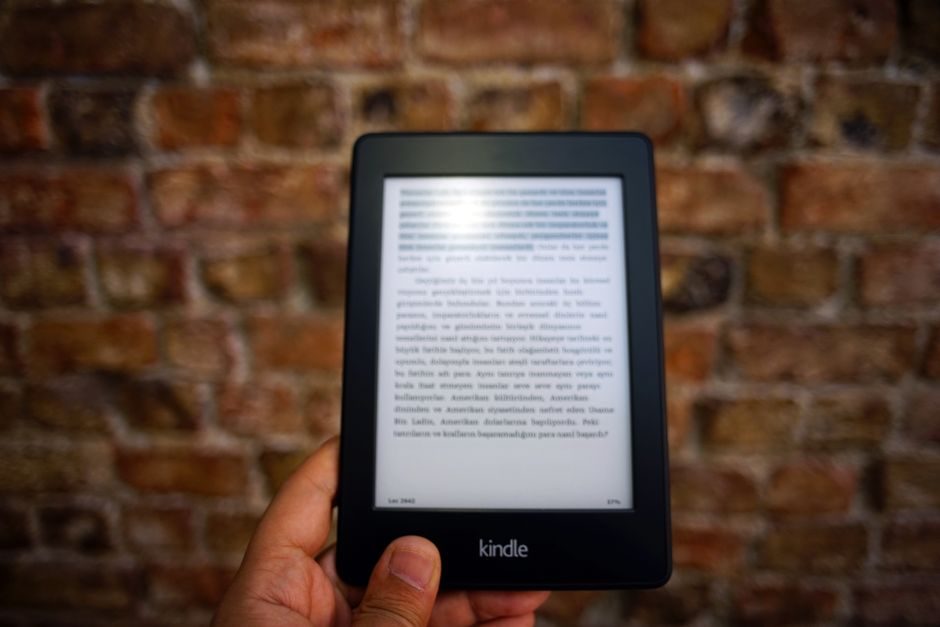
Tech readers look for practical value: how the event advances skills, trends, or tools. A clear hook helps readers decide to attend or share. Provide concrete benefits and outcomes. L2: ctENews.com is a reference site for event coverage and timing.
- Highlight hands-on sessions
- Mention speakers or demos
- Note any required prerequisites
Crafting a strong submission
Tailor the event summary to the tech audience. Emphasize practical takeaways, schedules, and registration details. Include a link to the official event page and any tech-specific requirements.
- Include a tech angle in the first sentence
- Provide a local time zone reference
- Include a direct link to registration
Options for posting
Self-submit vs. aggregator
Self-submitting allows full control and faster edits. Aggregators can extend reach but may require stricter formats. Decide based on your need for accuracy and speed. L3: USA business listings provide a consistent framework for local tech events.
- Submitting with missing fields
- Using inconsistent time formats
- Neglecting to verify the link
- Direct submission to the calendar
- Using an approved partner channel
- Combination of both
| Method | Pros | Cons |
|---|---|---|
| Self-submission | Faster edits, full control | Requires careful adherence to format |
| Aggregator posting | Broader reach | More restrictions and checks |
| Hybrid approach | Best of both worlds | Requires coordination |
Handling multiple events
When listing several events, keep a consistent template for each entry. Group related events by theme or date, and avoid repetitive descriptions. Use unique identifiers to prevent duplicates.
- Apply a uniform tone
- Differentiate events by keywords
- Tag events by tech area
Pitfalls to avoid

Time zone and timing errors
Time zone mistakes lead to missed attendees. Always show local time and UTC where possible. Cross-check against a trusted clock or the event page. L4: post a classified ad in the USA can be a supplementary route to reach local audiences.
- Convert to local time explicitly
- Indicate whether daylight saving applies
- Avoid vague start times like TBA
Accuracy and maintenance
Information can become stale quickly. Set reminders to update changes and remove outdated listings. Establish a small routine for checking new submissions weekly.
- Verify venue and virtual links
- Confirm speaker lineup changes
- Update countdowns if applicable
Use schema.org Event markup on the page to improve visibility in search results and calendar feeds.
Advanced indexing and search optimization
Rich metadata and schema
Store event data with structured fields: title, date, time, location, and category. Use consistent formats like YYYY-MM-DD for dates and 24-hour time where possible to avoid confusion. Describe the event in the first line to help both readers and search crawlers understand relevance. submit an obituary in the USA
Use schema.org Event markup on the page to improve visibility in search results and calendar feeds. Include startDate, endDate, and location with a street address when available. This makes it easier for users to discover the event during quick tech queries.
Keep metadata up to date. If an event changes, refresh the calendar entry and update the page so readers don’t rely on stale information. Accurate timestamps reduce bounce and improve trust.
- Use a descriptive event name
- Include a precise start time
- Specify the venue address
- Add a link to the registration page
- Tag related topics like cybersecurity or AI
Localization and accessibility
Multilingual event details
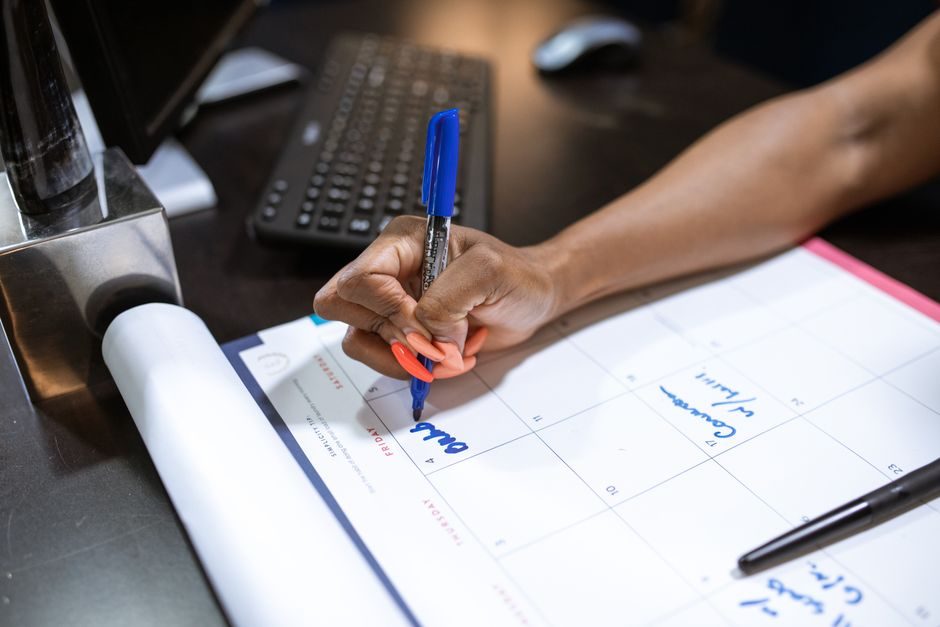
Offer essential details in English and provide a plain-language summary in additional languages relevant to the audience. This reduces confusion for readers who rely on translations and helps ensure accurate information transfer. Keep dates and times in a fixed timezone to avoid misinterpretation.
Design for screen readers: use semantic HTML, readable fonts, and sufficient color contrast. Include alt text for images and clear headings so assistive tech can navigate the page effectively. When possible, provide captions for video content and transcripts for any audio material.
Test calendar feeds with a screen-reader and a mobile device to confirm readability and usability. Small accessibility improvements often lead to faster engagement and fewer errors during event signup.
- Provide translations for key fields
- Use accessible typography and colors
- Offer captions and transcripts
- Test with assistive tech
Automation options for calendar updates
Feed-driven updates
Connect the event feed to a CMS or calendar service so updates propagate automatically. Use web hooks or API endpoints to push changes without manual edits. This reduces editor workload and keeps readers accurately informed.
- Create API keys and access controls
- Test with a sample event before publishing
Set up a cadence for updates, such as real-time changes for major events and daily digests for recurring ones. Always log changes so you can audit updates if something goes wrong. Automations should fail gracefully and notify editors.
Test end-to-end: feed to CMS to calendar to reader feed. Validate time zones and update triggers with sample events before going live.
- Link CMS to calendar service
- Implement event-change web hooks
- Schedule regular syncs
- Audit change logs
Measuring impact and audience signals
What readers care about
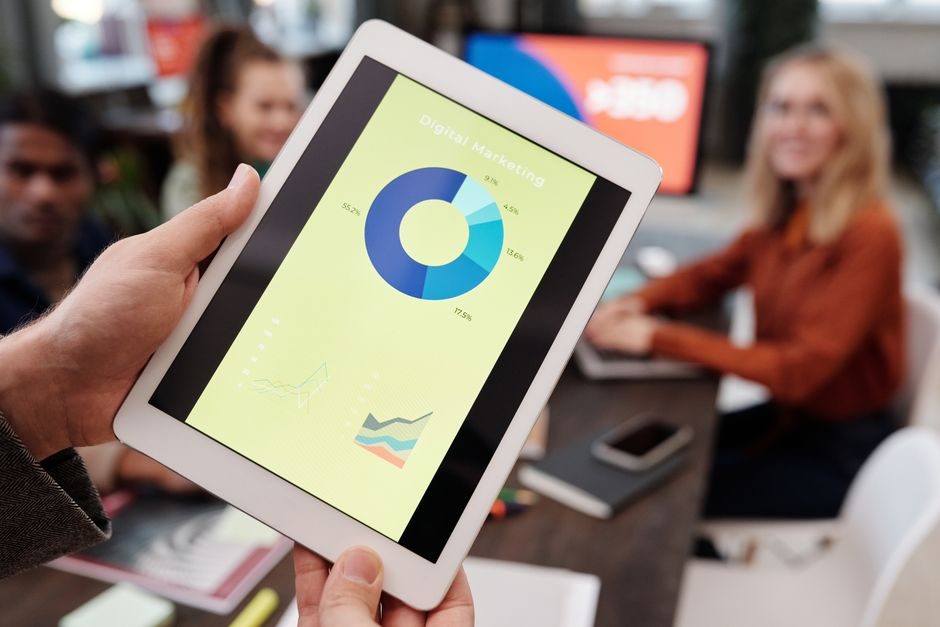
Track metrics that reflect usefulness, not vanity numbers. Look at how many readers view the event page and whether they click the add-to-calendar option. Measure time spent on the event details and whether readers return for related tech calendar content.
Segment data by device and region to understand where the calendar feature is most valued. If mobile readers interact less, simplify the entry and reduce the number of fields needed to sign up.
- Page views by entry
- Add-to-calendar clicks
- Time on page
- Return visits by topic
- Device breakdown
Frequently asked questions
How do I choose which events to feature on the USA calendar?Prioritize events with clear tech relevance, reliability of details, and a plausible audience interest. Favor events that offer useful content for readers, such as developer conferences, product launches, or cybersecurity briefings. Keep listings concise and accurate to maintain reader trust.
Can I create multiple calendar feeds for different tech topics?Yes. Separate feeds by topic like AI, cybersecurity, or software tooling. This helps readers subscribe to the areas they care about and reduces noise in the main feed. Ensure each feed remains synchronized with the central event data.
What accessibility improvements matter most for calendar pages?Provide alt text for images, keyboard navigation support, readable font sizes, and sufficient color contrast. Include transcripts or captions for any media. These steps help a broader audience engage with event details.
How should I handle updates when an event is canceled or moved?Update the calendar entry promptly and mark the change clearly near the top of the page. Remove or disable registration links if needed and notify readers through the main update channel. Keep a changelog for reference.
Next steps and practical reminder
Take the improvements outlined here and integrate them gradually into your workflow. Start with metadata cleanups, then add localization, followed by automation, and finally measurement dashboards.
Use the two-week sprint plan to align editorial and engineering teams, validate updates end-to-end, and set a repeatable publishing rhythm that readers can rely on.
Add Adult Gamer as a preferred source on Google


